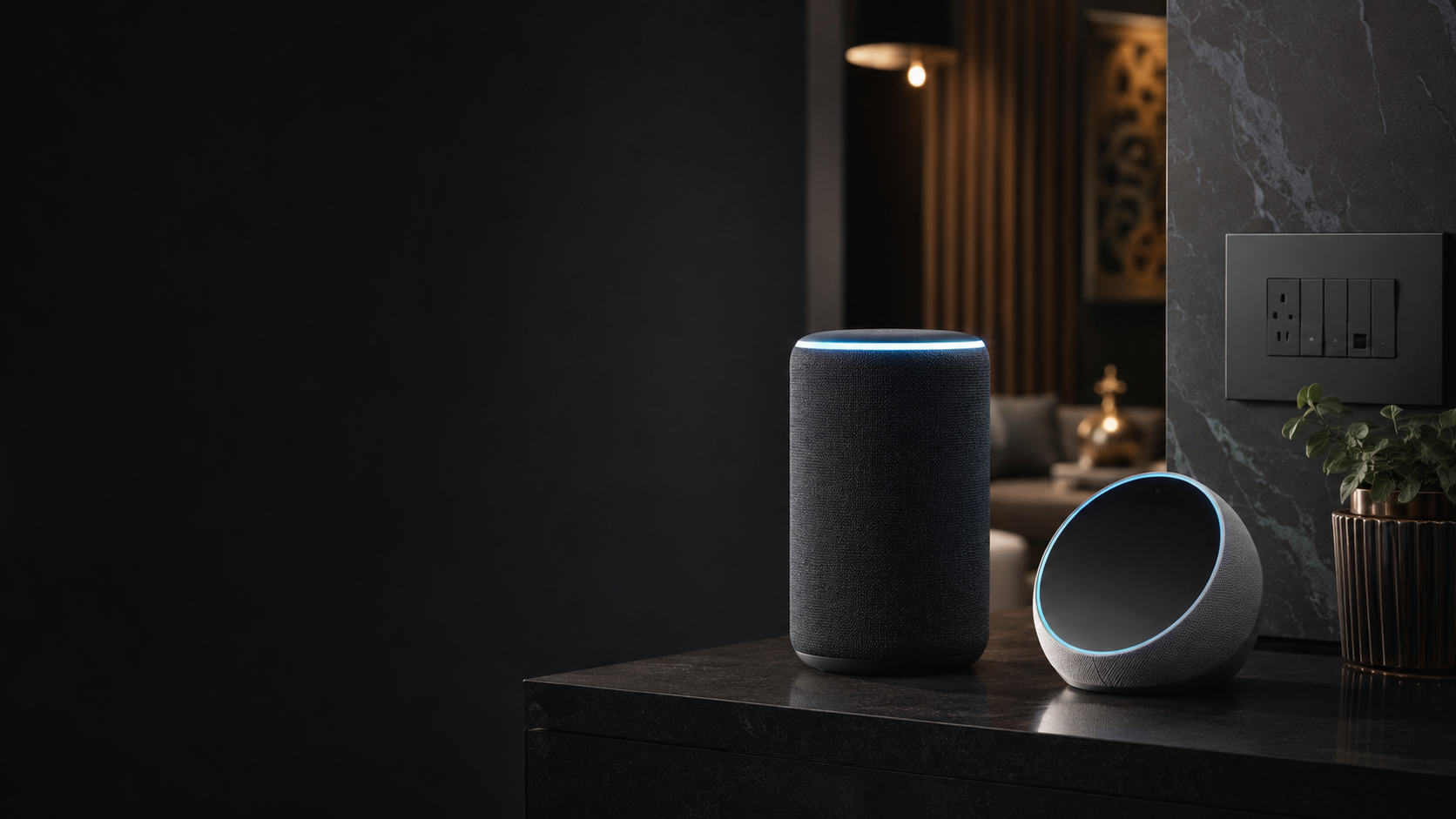
Choosing the right voice assistant can make your smart home experience simple and convenient. When comparing alexa vs google home smart switch options, the right choice depends on your daily habits, devices, and how you want to control your home. With TOUCHBEAT smart switches, you can add smart control to your existing switchboard without rewiring or renovation.
Alexa vs Google Home Smart Switch: Understanding the Difference
Both Amazon Alexa and Google Home allow you to control smart devices using voice commands. They can help you turn lights on or off, control ceiling fans, and run smart home scenes. The main difference comes from the ecosystem you already use and the features you prefer.
Amazon Alexa for smart homes
Alexa is popular among homeowners who use Amazon devices and want easy voice control. It works with compatible smart switches and allows you to create routines for everyday actions.
- Control lights and fans using simple voice commands.
- Create routines for common activities like bedtime or leaving home.
- Works well with many smart home products available in India.
Google Home for smart homes
Google Home connects smart devices with Google Assistant. It is a good choice for people who already use Google services and Android devices regularly.
- Control connected switches through voice commands.
- Manage devices using the Google Home app.
- Works naturally with Google ecosystem products.
Which Voice Assistant Is Better for Indian Homes?
There is no single winner between Alexa and Google Home. The better option depends on how you use your home technology. If your family already uses Amazon devices, Alexa may feel more familiar. If you use Android phones and Google services daily, Google Home may be a better fit.
With TOUCHBEAT smart switches, you can connect your existing switchboard to voice assistants without changing your home's wiring. This makes upgrading your home easier, especially if you want smart features without renovation work.
Things to consider before choosing
- Your existing devices: Choose the assistant that matches your current ecosystem.
- Family usage: Pick a system that everyone at home can use comfortably.
- Smart home needs: Consider whether you need simple control or automated scenes.
How to Set Up Voice Control with TOUCHBEAT Smart Switches
Setting up smart control is simple. Once your TOUCHBEAT smart switches are installed behind your existing switchboard, you can connect them with your preferred voice assistant.
- Install and set up your TOUCHBEAT smart switches.
- Connect the switches with the TOUCHBEAT mobile app.
- Link your preferred voice assistant, Alexa or Google Home.
- Create voice commands, favourites, or Tap-to-Run scenes for daily use.
The TOUCHBEAT mobile app helps you organise devices by home and room, save favourites, check live status, and control your smart switches easily. You can also adjust ceiling-fan speed and create scenes that match your routine.
Smart Scenes Make Everyday Control Easier
Voice control is only one part of a smart home. With Tap-to-Run scenes, you can combine multiple actions into one simple command. For example, a single scene can help prepare your home for bedtime by controlling connected devices together.
Whether you choose Alexa or Google Home, a good smart switch should make your everyday routine easier. TOUCHBEAT helps you bring smart control to your existing home setup without the need for major changes.
Try TOUCHBEAT and make your home smarter with simple retrofit smart switches designed for everyday living.