Summers in India mean our cooling appliances work around the clock. We rely heavily on our fans to stay comfortable during warm days and humid nights. However, waking up in the middle of the night just to change the speed is deeply frustrating. It disrupts your sleep and leaves you tired the next day. You no longer have to struggle with this common problem. Installing a smart switch for ceiling fan control completely changes how you experience daily comfort in your home. It is simple, affordable, and brings modern technology right to your fingertips.
Why You Need a Smart Switch for Ceiling Fan Control
Many people believe that upgrading to a smart home means tearing down walls and spending a fortune on renovation. That is simply not true anymore. Everyday homeowners can now enjoy the benefits of automation without the traditional mess. A retrofit design solves the biggest hurdle of home upgrades.
No Rewiring Required
The best part about a TOUCHBEAT upgrade is the installation process. The smart module fits neatly behind your existing switchboards. There is absolutely no rewiring needed. You do not have to change your interior decor or replace your beautiful designer switch plates. The traditional physical switches will still work normally. You simply get powerful new smart features added quietly in the background. It is a clean, zero-dust upgrade that a local electrician can complete in minutes.
Perfect Variable Speed Control
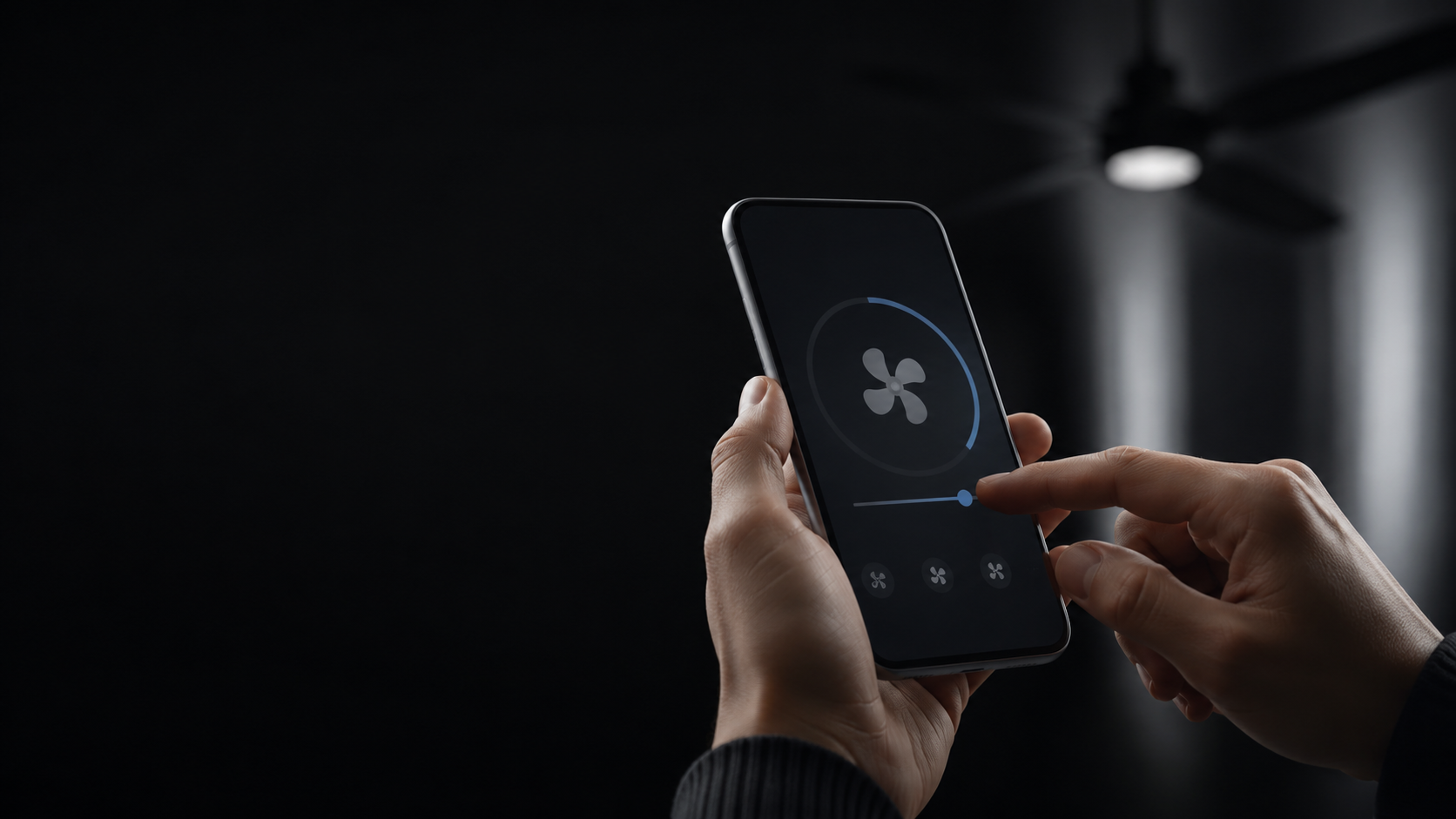
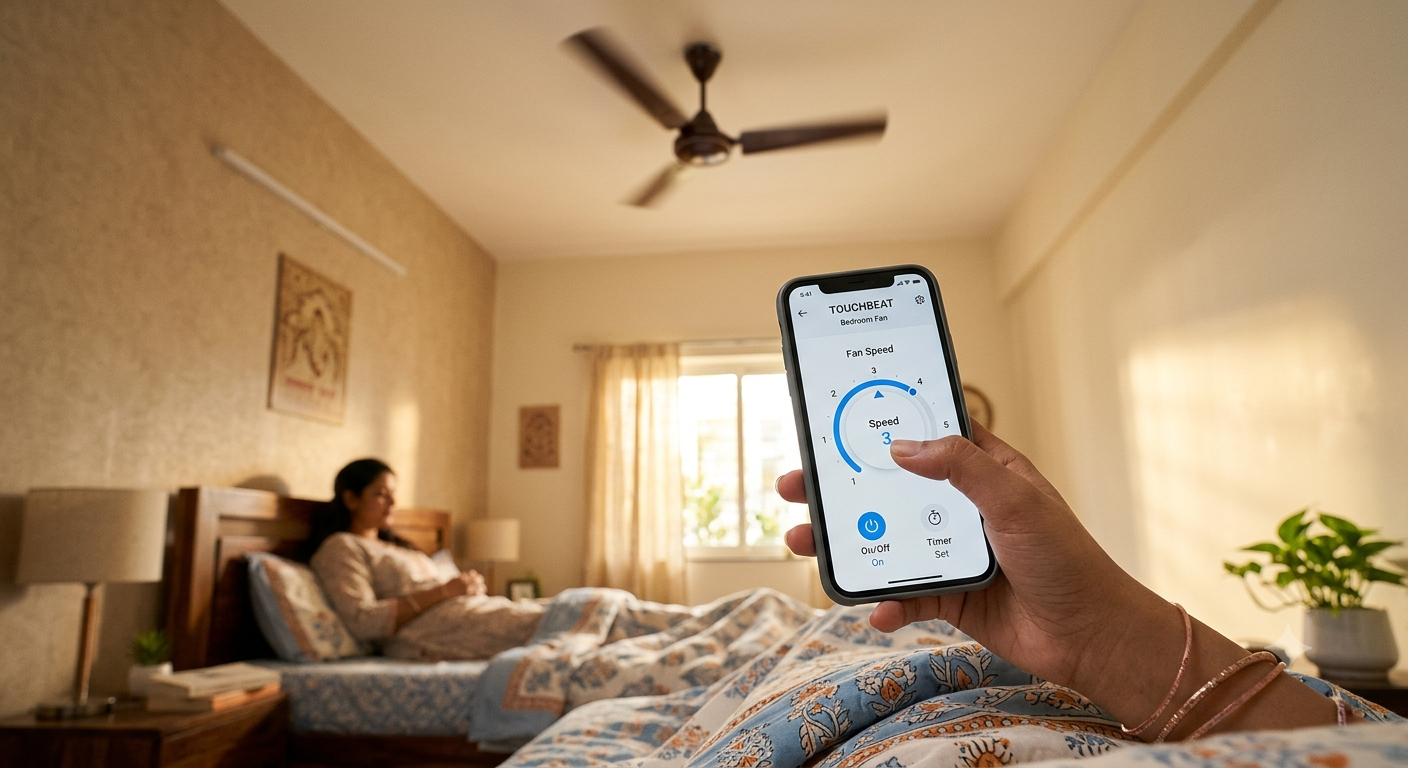
Not all smart devices are created equal. Many basic smart plugs or relays can only turn a fan on or off. That is not very helpful when you just want a gentle breeze. Our system features true variable ceiling-fan speed control. You can smoothly change the speed from your mobile phone. If the room gets chilly at 3 AM, simply reach for your phone instead of walking to the switchboard. If you feel warm while reading on the sofa, you can increase the speed without getting up.
Wake Up Better with Tap-to-Run Scenes
Mornings are usually rushed. Between making breakfast and getting ready for the day, every minute counts. This is where automation truly shines. The TOUCHBEAT app includes a highly useful feature called Tap-to-Run scenes. This allows you to group multiple actions together and trigger them with a single tap on your screen.
Imagine a "Good Morning" scene. With one tap, your bedroom fan slows down to speed one, the bathroom geyser turns on, and the kitchen lights switch on to welcome you. You do not have to walk around the house flipping multiple switches. You can create different scenes for different times of the day. A "Movie Time" scene could dim the lights and set the fan to a quiet, low speed. It is all about making your routine as smooth as possible.
How to Automate Your Fan for Voice Control
Controlling your home with your voice feels like magic. It is incredibly convenient when your hands are full with groceries or when you are cooking in the kitchen. Our system works seamlessly with Amazon Alexa and Google Home. Setting this up is very straightforward.
- Ask your local electrician to install the retrofit smart module safely behind your chosen switchboard.
- Download the TOUCHBEAT mobile app and connect the new module to your home Wi-Fi network.
- Organise the new device by assigning it to a specific room, such as the living room or bedroom.
- Open your Amazon Alexa or Google Home application and link your TOUCHBEAT account.
- Test the connection by saying a command like, "Alexa, set the bedroom fan speed to three."
Once set up, anyone in the family can use voice commands. It is very user-friendly, even for elderly family members who might prefer speaking over using a smartphone.
Organise Your Home Comfort
A smart home is only as good as its mobile app. You need an interface that is clean, fast, and easy to understand. We designed our app for everyday use. You can easily organise your devices by home or by specific room. This keeps your digital dashboard tidy. If you have multiple fans and lights, you will always know exactly which one you are controlling.
You can also mark your most used devices as favourites. These favourites appear right on the main screen the moment you open the app. There is no need to dig through menus to find your bedroom fan. Furthermore, the app provides live status updates. Have you ever left the house and wondered if you forgot to turn off the fan? Now you can check the live status from your office and turn it off remotely. This gives you peace of mind and helps save energy.
Experience effortless comfort and take control of your home today with a TOUCHBEAT smart switch.